
Turn Left
Emphasizes the attack and shortens the sustain.
Transient Shaper
 macOS (VST3 / AU)
 Windows (VST3)
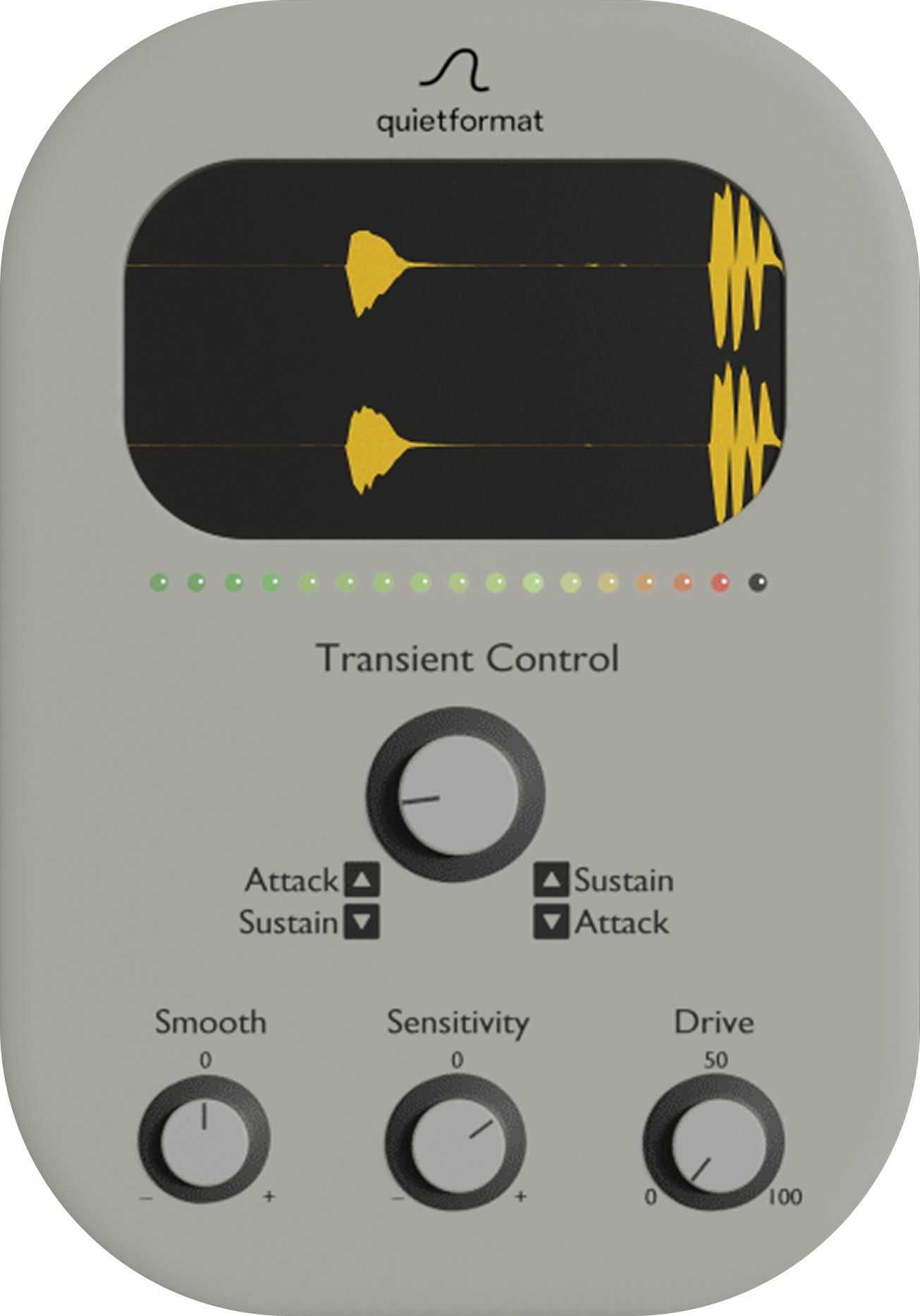
Free Transient Shaper
Transient Control is a transient shaper that lets you quickly balance attack and sustain with a single knob.
Turn the main knob to the right to bring out sustain and smooth the attack. Turn it to the left to emphasize the attack and shorten the sustain.
It is made for fast decisions when a sound needs more punch, less tail, smoother attack, or tighter body.
Main Control
The main Transient Control knob moves between two directions.
Emphasizes the attack and shortens the sustain.
Brings out sustain and smooths the attack.
Use it for drums, loops, guitars, piano, synths, or any source where the front edge and tail need to sit differently in the mix.
Sensitivity
Sensitivity adjusts transient detection so the response fits your material.
Higher settings make the processor react more easily, while lower settings keep the shaping more selective.
Use it to make Transient Control react correctly to sharp drums, softer loops, plucked instruments, or sustained sounds.
Smooth
Smooth changes how soft or direct the transient shaping feels.
The effective direction depends on the main knob.
When the main knob is set toward sustain, turning Smooth to the left creates a softer feel.
When the main knob is set toward attack, turning Smooth to the right creates a softer feel.
Drive
Drive saturates the signal to add density and presence.
It helps the shaped sound feel more solid without needing a separate saturation plugin.
Without complex parameters, boosting punch or trimming tails takes only seconds.
Soft Yet Tight
Set the Transient Control knob to -100, then push Smooth and Sensitivity to maximum.
This creates a unique texture where the attack becomes velvety while the body stays tight.
The result is soft, controlled, and still focused.
System