
SURVIVE
Free Advanced Clipping Processor
 macOS (VST3 / AU)
 Windows (VST3)
SURVIVE
What is SURVIVE?
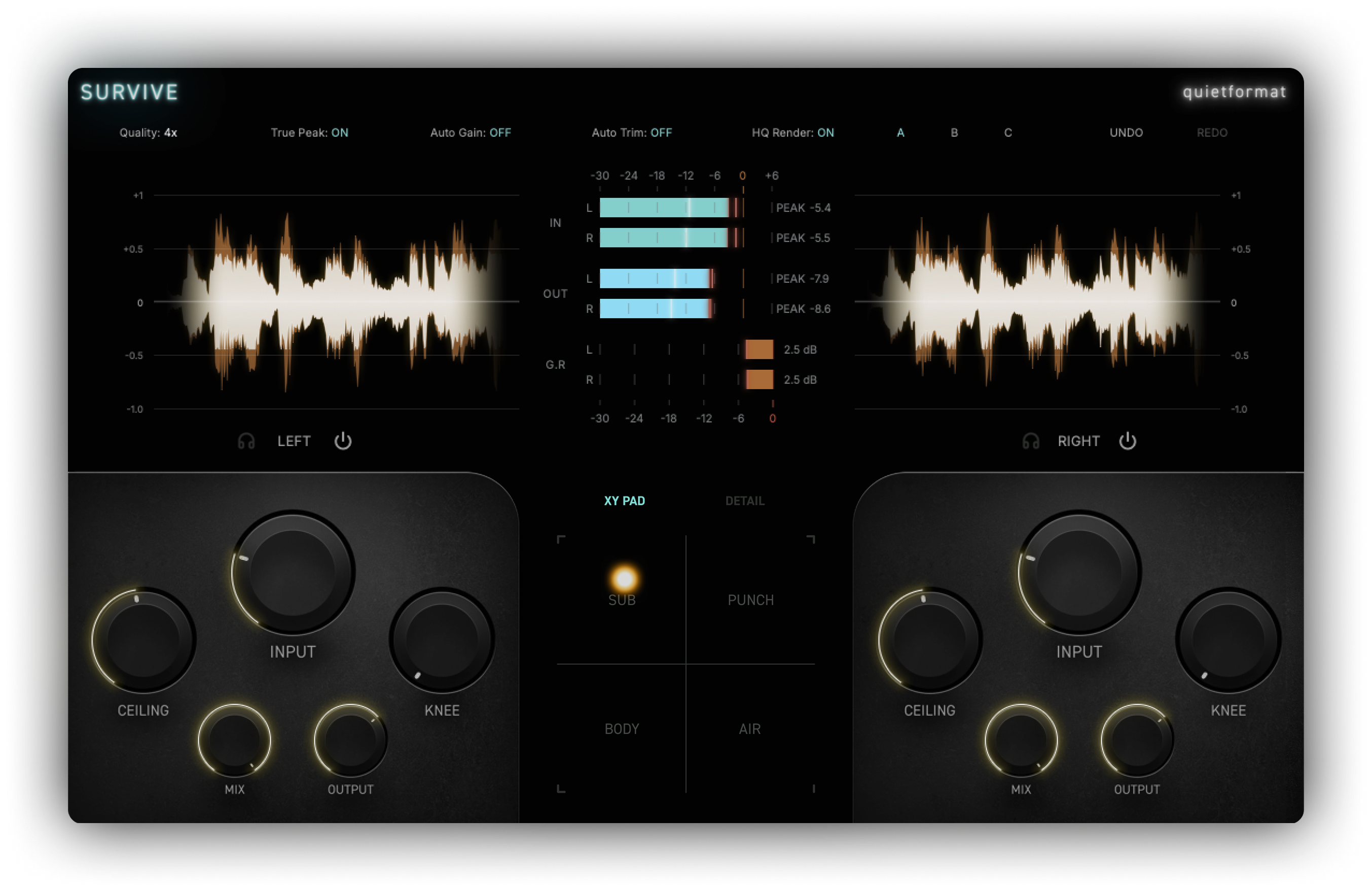
SURVIVE is a free stereo clipping processor with independent L/R and Mid/Side control. Set the clipping amount with Input and Ceiling, shape the transition with Knee, and use the real-time waveform display to compare the signal before and after processing.
XY Pad
Find the character you want, fast.
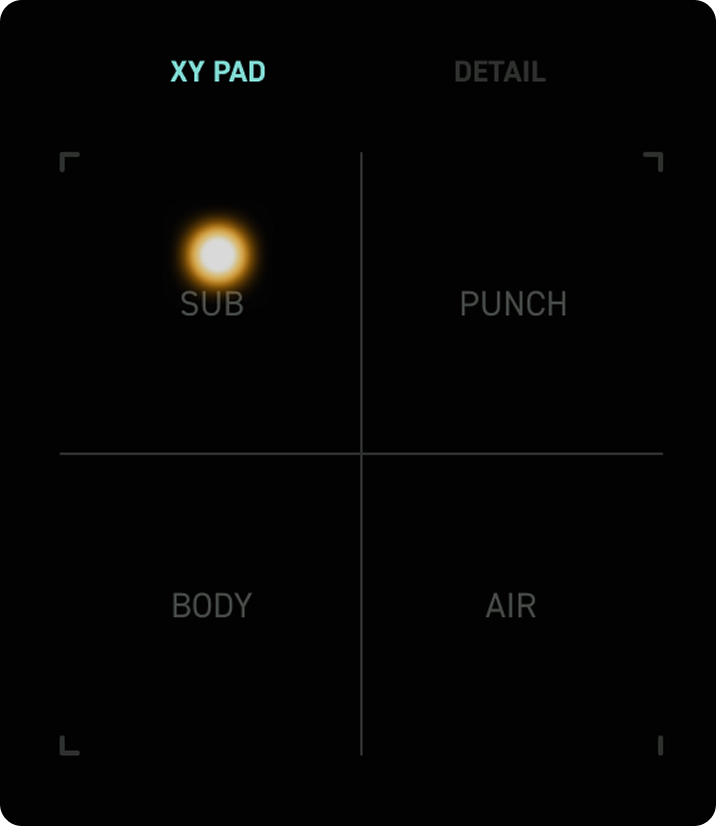
The XY Pad moves SURVIVE’s processing priority between low-end weight, sustained midrange density, transient impact, and high-frequency openness. Move the pointer toward the character you want and quickly find a balance that fits the source.
Waveform Display
See exactly how hard you’re clipping.
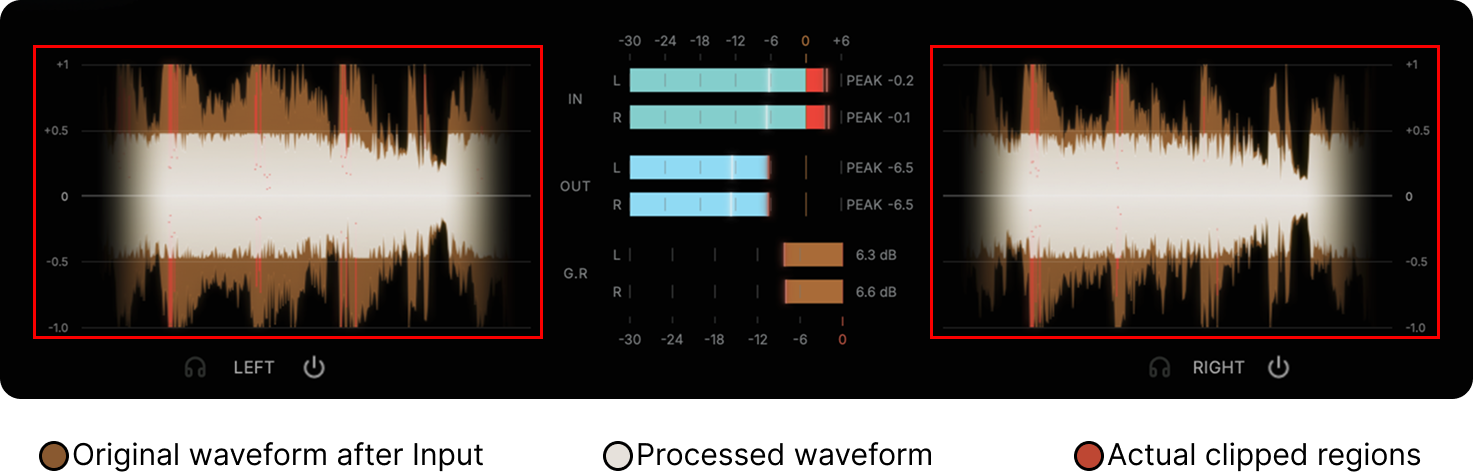
SURVIVE aligns the input and processed waveforms on the same timeline and highlights the regions affected by clipping. See what is happening to the signal in real time and make decisions faster without relying on level meters alone.
L/R · Mid/Side
Treat Left / Right or Mid / Side independently.
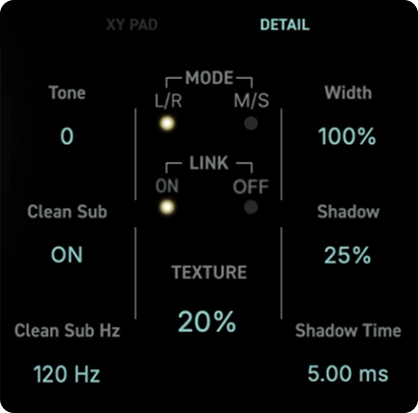
Switch between L/R and M/S processing to control each channel independently. Keep Link on for matched adjustments, or turn it off to use separate Input, Ceiling, Knee, Mix, and Output settings for each side of the selected channel mode.
Detail
Start simple. Go deeper when you need to.
Input, Ceiling, Knee, Mix, and Output cover the essential clipping workflow. Open Detail when you need Texture, Tone, Shadow, Shadow Time, Width, or Clean Sub controls. Three comparison slots and Undo / Redo make it easy to test different settings without losing your previous work.
Technical
Controlled at the clipping stage.
SURVIVE combines filtered oversampling with ADAA in its nonlinear clipping path to reduce fold-back aliasing. The default 4x mode balances CPU use and alias suppression, while 8x provides lower residual aliasing when needed.
- 2x / 4x / 8x oversampling modes
- ADAA nonlinear clipping
- 65-sample real-time processing latency
- True Peak detection and ceiling control
- HQ Render mode for offline export
Compatibility
System Requirements
- macOS 11 or later: Apple Silicon or 64-bit Intel processor
- Windows 10 or later: 64-bit Intel or AMD processor
- macOS formats: Audio Unit (AU) and VST3 / Windows format: VST3 / 64-bit compatible DAW
- 4 GB RAM minimum; 8 GB recommended