MELINO 1.1.1 - Release Notes
Improvements
- Added a fully featured 14-day trial.
- Added the ability to resize the UI window by dragging the bottom-right corner.
MELINO 1.1.0 – New Skin and Advanced Controls
This update introduces new customization options and extended controls based on user feedback.
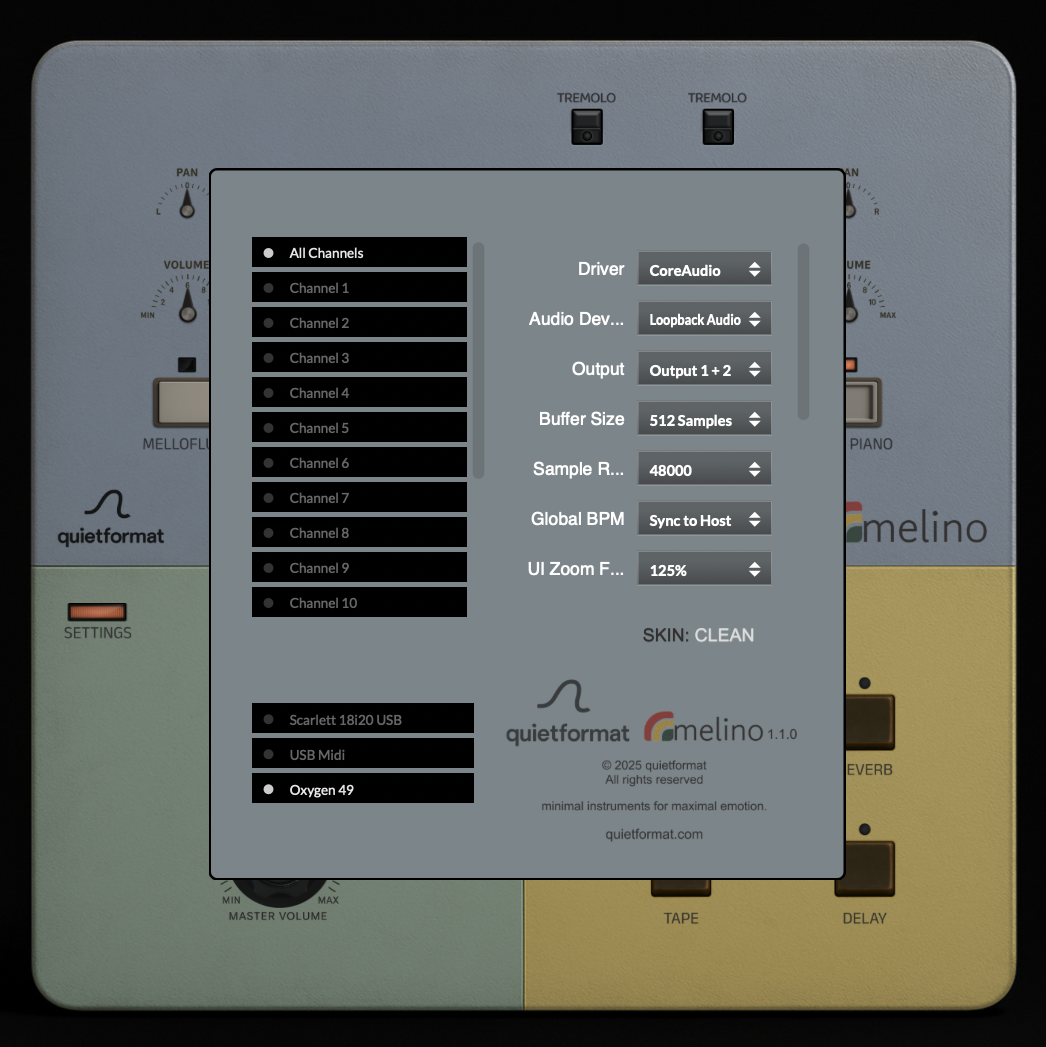
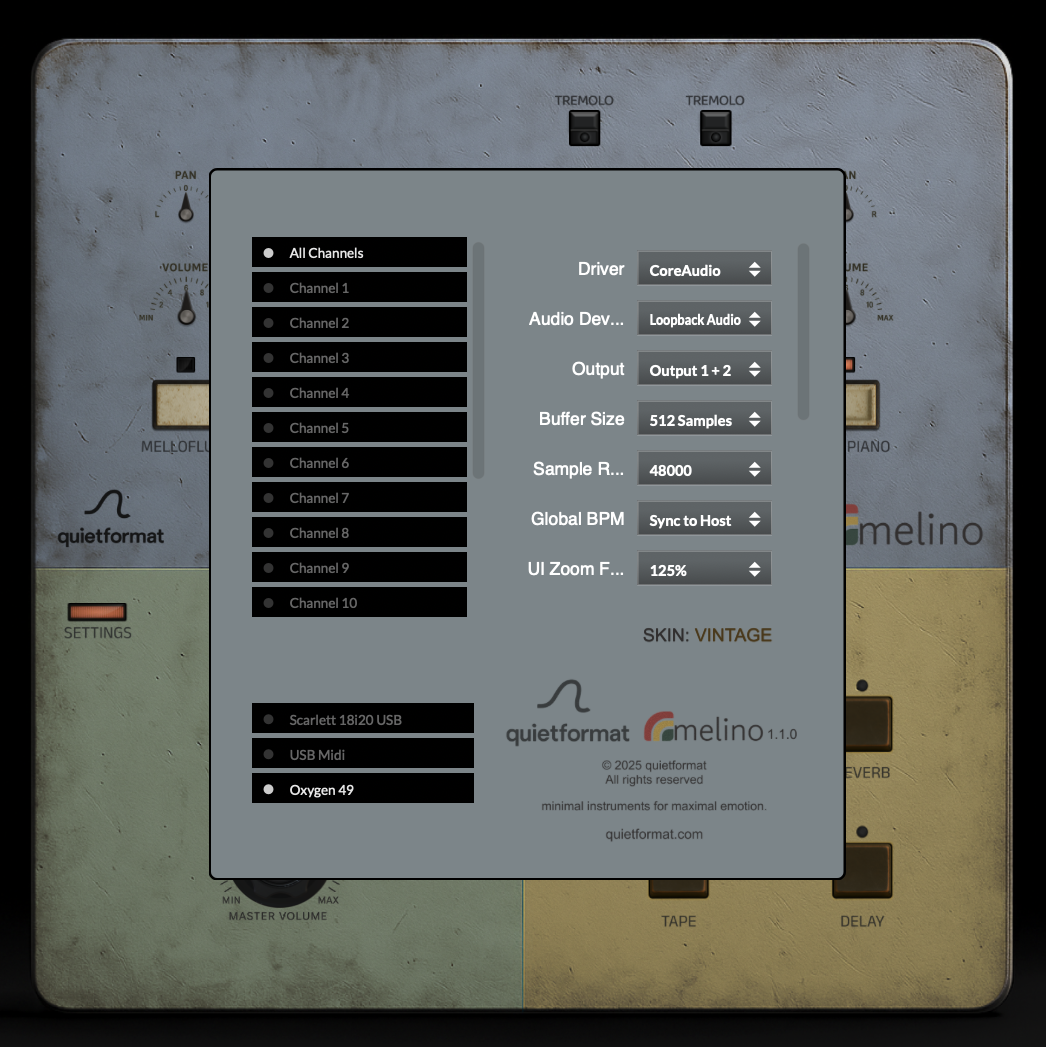
1. Clean UI Skin
- Added a clean skin option in addition to the original vintage theme
- Select the skin from the Settings popup
- The selected skin will be saved and applied automatically on the next launch
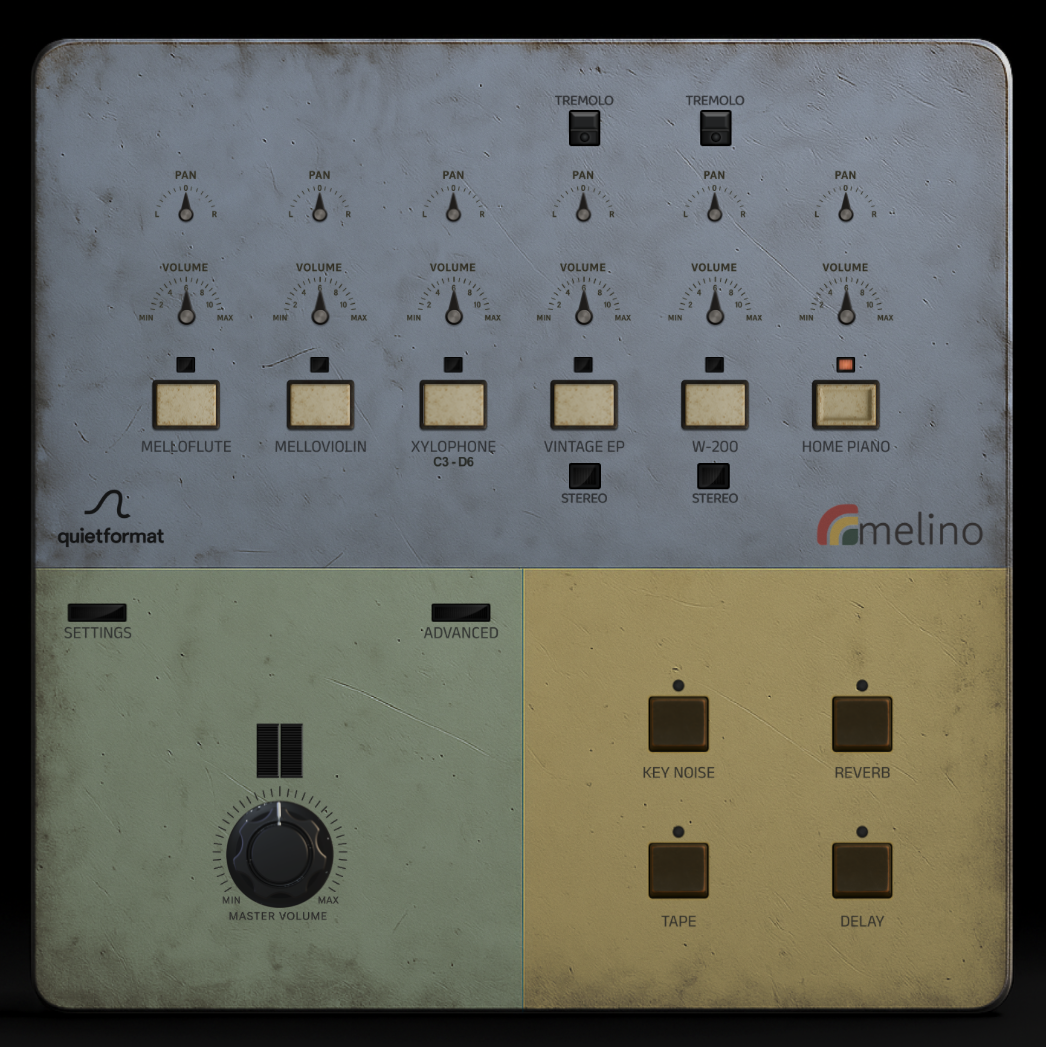
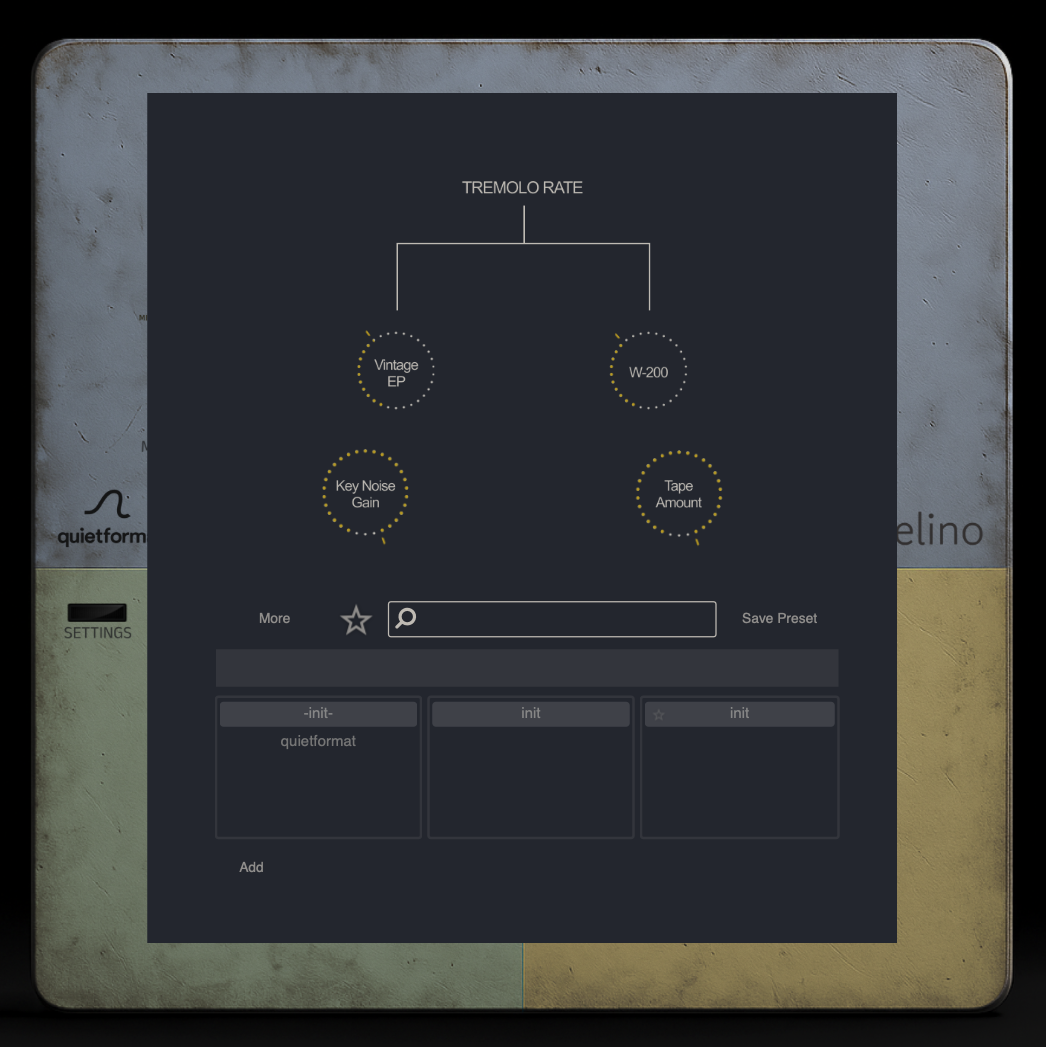
2. Advanced Controls
- A new Advanced button has been added
- Control tremolo speed for both EP instruments
- Adjust saturation depth and key noise volume
- Access and use presets for detailed sound design
MELINO 1.0.0 - Initial Release
We’re excited to officially release MELINO, a vintage instrument plugin from quietformat.
MELINO is a sample-based virtual instrument built for quick, musical results. It blends several classic voices in a simple interface so you can layer tones and write fast.
At its core, MELINO focuses on character. Subtle imperfections, tape-like movement, and tonal color help you get warm, lived-in sounds without heavy tweaking.
Key Features
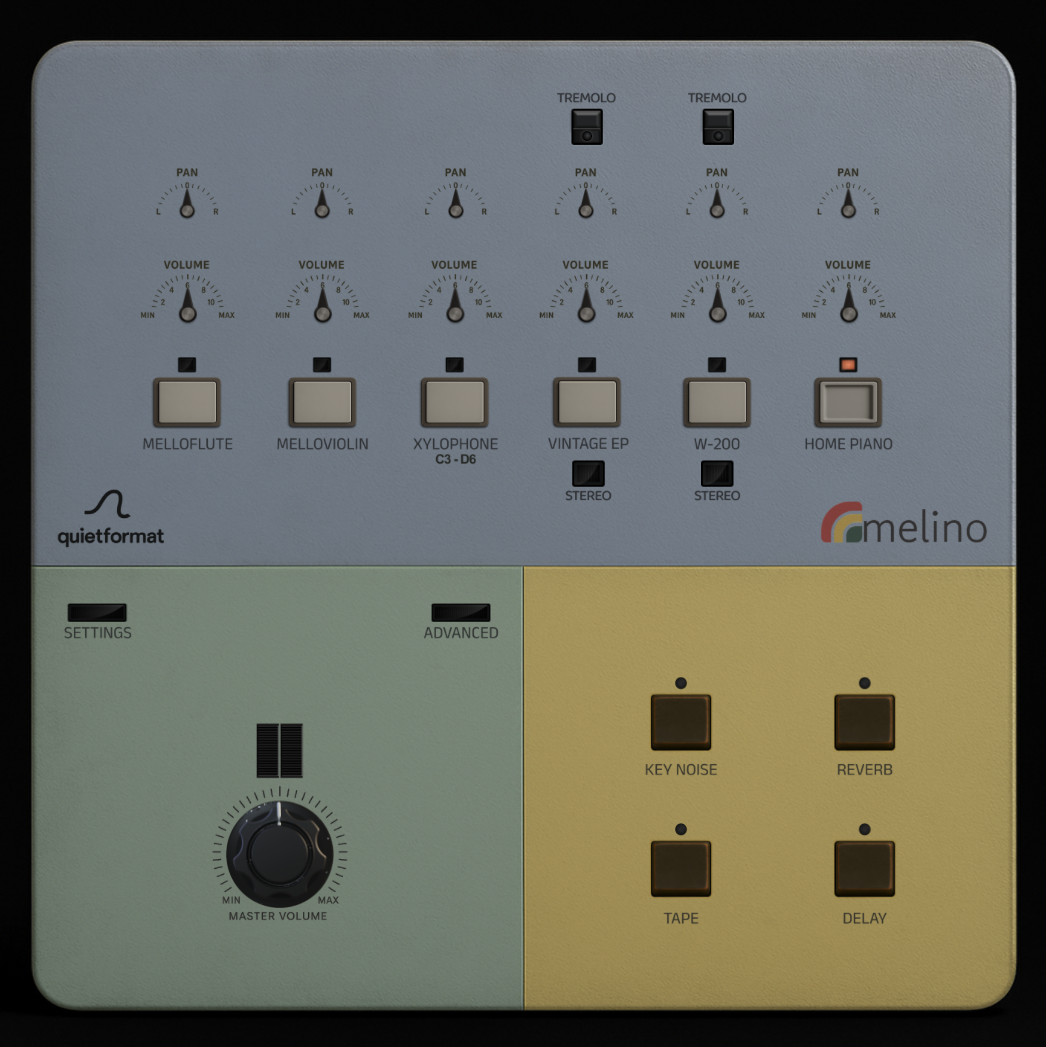
- Six instrument voices: Melloflute, Melloviolin, Xylophone (C3–D6), Vintage EP, W-200, Home Piano
- Play solo or layer voices for richer textures
- Per-voice volume and pan controls
- EP patches with tremolo and stereo options
- Global effects: Key Noise, Reverb, Tape saturation
- Straightforward interface for a smooth workflow
MELINO isn’t just another preset player. It aims to feel musical and responsive, letting you shape vintage-style tones that sit naturally in a track.
From ambient beds to expressive leads and nostalgic keys, MELINO delivers not only sound but also a sense of movement in the mix.
If you want an instrument that stays out of the way and helps ideas land quickly, MELINO is a solid addition to a modern producer’s toolkit.